

Why reviews are so important for SaaS
Nobody buys software in passing. Every purchase decision starts with research: comparison platforms like G2 and Capterra, Trustpilot software listings, app store ratings, experience reports in LinkedIn groups. SaaS customer reviews are often the decisive trust anchor — especially in B2B, where a decision commits a whole team and an annual budget.
Three reasons why reviews matter more for SaaS than for almost any other industry:
- Reviews decide the shortlist. When several tools look equally good, the product with the better, more credible ratings wins. Unanswered criticism reads like a red flag and pushes prospects away.
- Reviews are a product-market-fit signal. Where users complain, your roadmap learns: onboarding hurdles, missing features, pricing friction. Teams that analyze reviews systematically build along customer demand — not along their own assumptions.
- Responses affect churn and retention. A fast, helpful reply to a negative review can keep a customer who was about to leave. An unanswered one reads as: “They don’t care.”
So responding to software reviews is more than reputation hygiene. It closes the feedback loop between product, support and sales — and feeds the best input into your next product decision.
The most common complaints in software reviews
The patterns repeat across every SaaS segment. Knowing them lets you prepare standard responses — and send them faster with a B2B review management tool:
- Onboarding too complex: “After logging in I had no idea where to start.” Typical for feature-rich tools. A concrete entry path helps: tutorial link, template, personal contact.
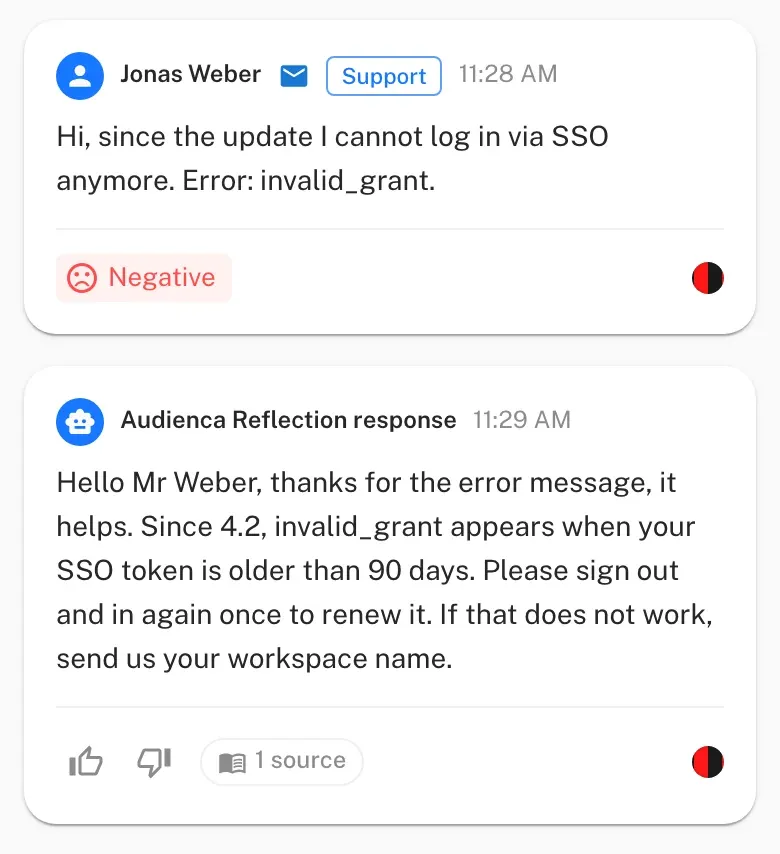
- Support response time: “No answer to my ticket in three days.” The classic. A public reply that references the ticket and names a realistic timeline takes the pressure off.
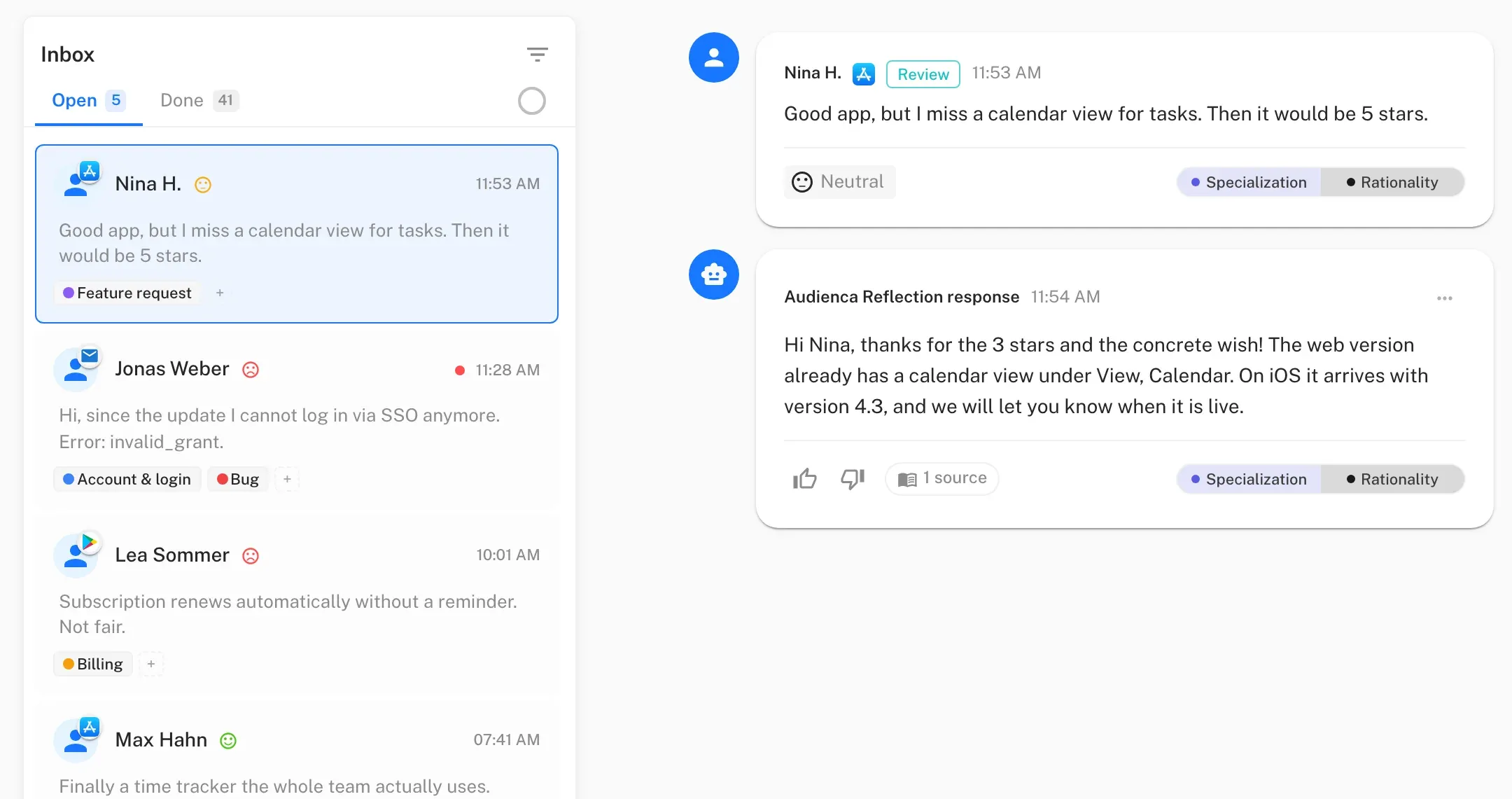
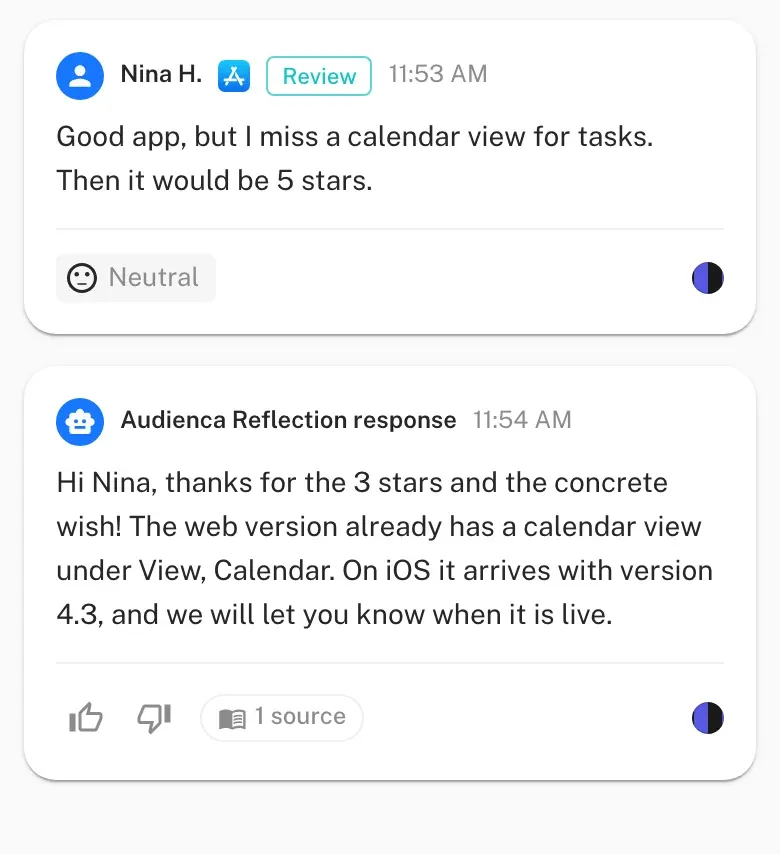
- Feature gaps: “You don’t have an API integration for X.” Criticism that is actually a feature request. Answer it well with a roadmap reference or a workaround.
- Pricing: “Too expensive for small teams.” Often a matter of package comparison — an honest rundown of what fits helps.
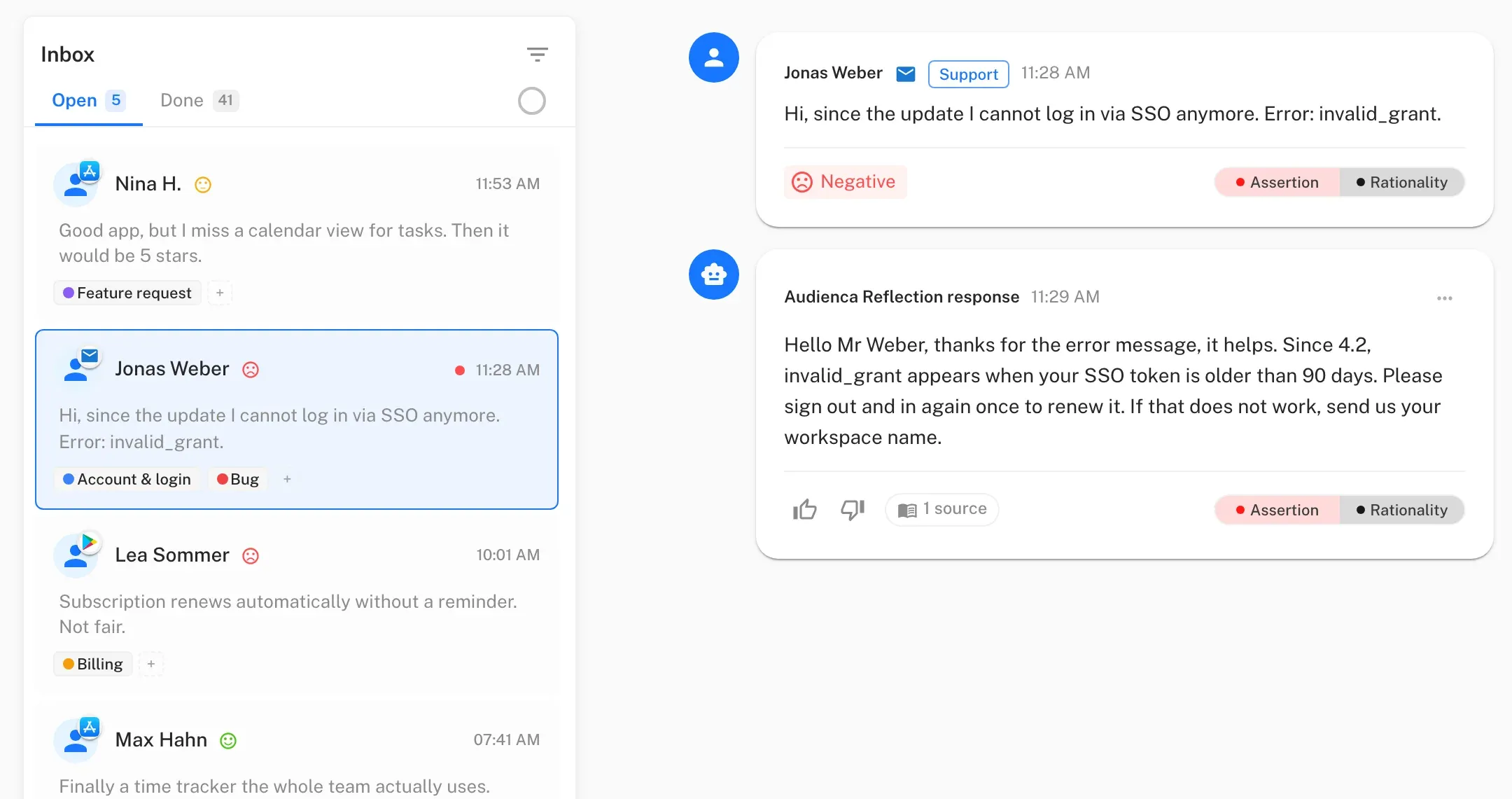
- Stability and bugs: “The app crashes on export.” Concrete error reports are gold for a SaaS company: a reproducible bug with user context.
The key: nearly every one of these situations contains a solvable problem. The craft is not arguing — it’s helping quickly and honestly. That is what good responses to software reviews are made of.
How SaaS companies respond well to criticism
A good reply to a software review follows five principles:
- Be fast. Reply within the first 48 hours — after that it looks as if the company never read it. More on tone and process in the guide to answering Google reviews.
- Be concrete, not formulaic. No “thank you for your feedback.” Name the problem and the solution: version number, workaround, ticket ID.
- Mention the roadmap. For feature requests, say honestly whether, when and why a feature is coming. Vague promises come back in the next review round.
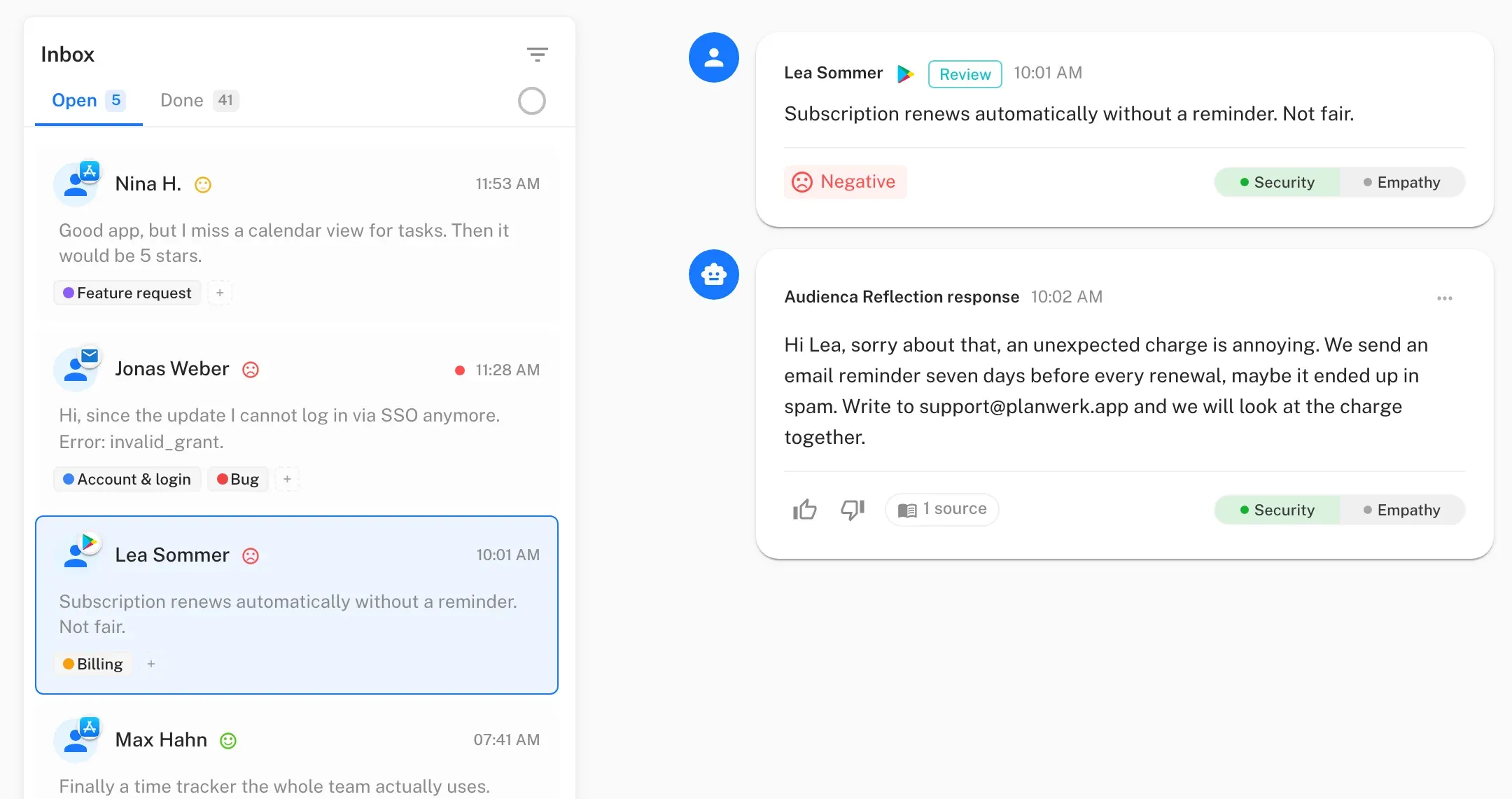
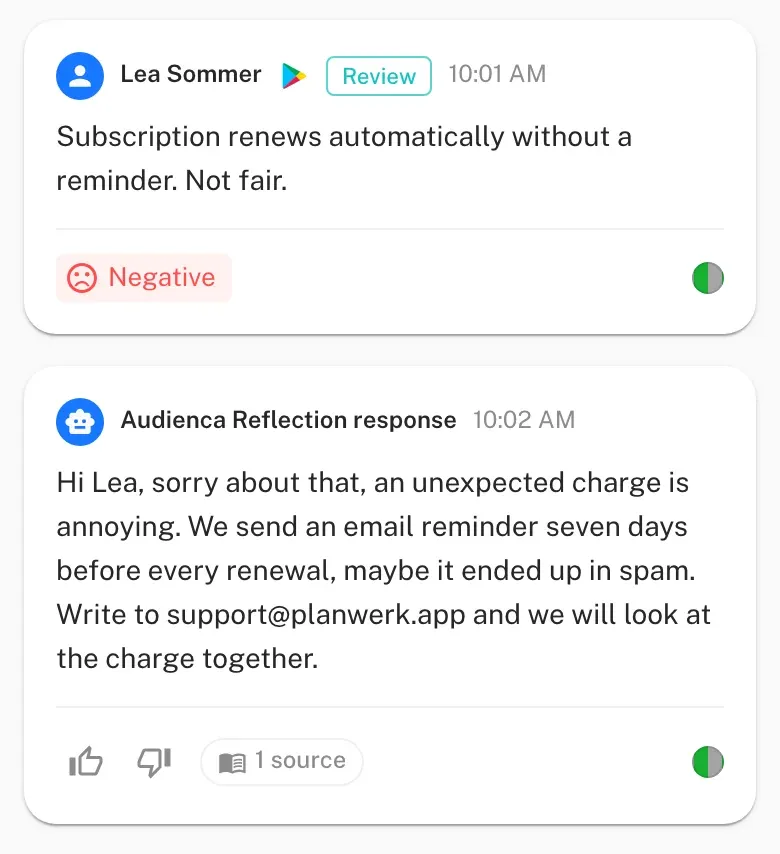
- Offer a support ticket. Personal data does not belong in a public reply. “Write to us at support@… and we’ll look at your case directly” is the standard path.
- Stay honest. Admit mistakes, keep the apology, deliver the fix. Owning a failure carries more weight in B2B than any excuse.
Also, five strategies for negative reviews show how frustration turns into a conversation that keeps the customer.
Industry-specific response tips
| Situation | Example review | Good response |
|---|---|---|
| Onboarding frustration | ”Three days in and I still have no idea how to build reports.” | Name the tutorial, share a template link, offer a personal demo |
| Bug / stability | ”Export freezes since 4.2.1.” | Confirm the version, give the workaround, name the fix version with a date |
| Feature request | ”I need the Shopify integration.” | State the roadmap status honestly, offer an alternative integration as a bridge |
| Pricing criticism | ”Way too expensive for our team.” | Offer a package comparison, honest positioning |
| Support backlog | ”Ticket 4821 unanswered for three days.” | Take over the ticket, name a concrete deadline, move to email |
The most important thing in every row: make it visible that someone is listening and looking for a solution. The reply proves a team stands behind the product.
FAQ
How fast should a SaaS company respond to a review?
Ideally within 24 to 48 hours. After that, the chance that the customer still perceives the answer drops — and unanswered reviews signal that support is not a priority.
Should we respond to every positive review?
Yes — briefly and concretely. A thank-you that picks up the specific use case costs seconds and increases the chance of more reviews. A review management tool that prepares drafts pays off here too.
How do we deal with fake reviews?
Report suspected fakes through the platforms' own reporting functions — Google, Trustpilot and G2 all have processes for that. Stay neutral publicly, reply on the platform and point to the official reporting channel instead of escalating.
Can Audienca publish replies in our name?
Yes, after your click: every suggestion waits for you before it is published. Rules send nothing; they hide spam, label messages, prepare a fixed reply or notify you by email.
Which channels does Audienca support?
Google, Meta, TrustedShops and email in one workflow. G2 and Capterra reviews are handled by your team — the answering knowledge from Audienca carries over.
Is the tool GDPR-compliant?
Yes. Audienca is made in Germany, hosted in Falkenstein/Vogtland. Data is stored in Germany. For the response drafts, the texts are transmitted to OpenAI; that transfer is covered by EU standard contractual clauses and a data processing addendum, and the data is not used to train the models.